Data Lineage Explained: How to Trace Data From Source to Dashboard
Someone flags a number in a board report. It does not match what you have in your database. You start digging: which model produced that figure? Where did that model pull its source data? Was there a transformation in between that might have introduced an error? How many other reports use the same upstream table?
This is the kind of investigation that data lineage is designed to cut short. Without it, the digging takes hours. With it, you have the full path in front of you before you even write a query.
What data lineage actually means
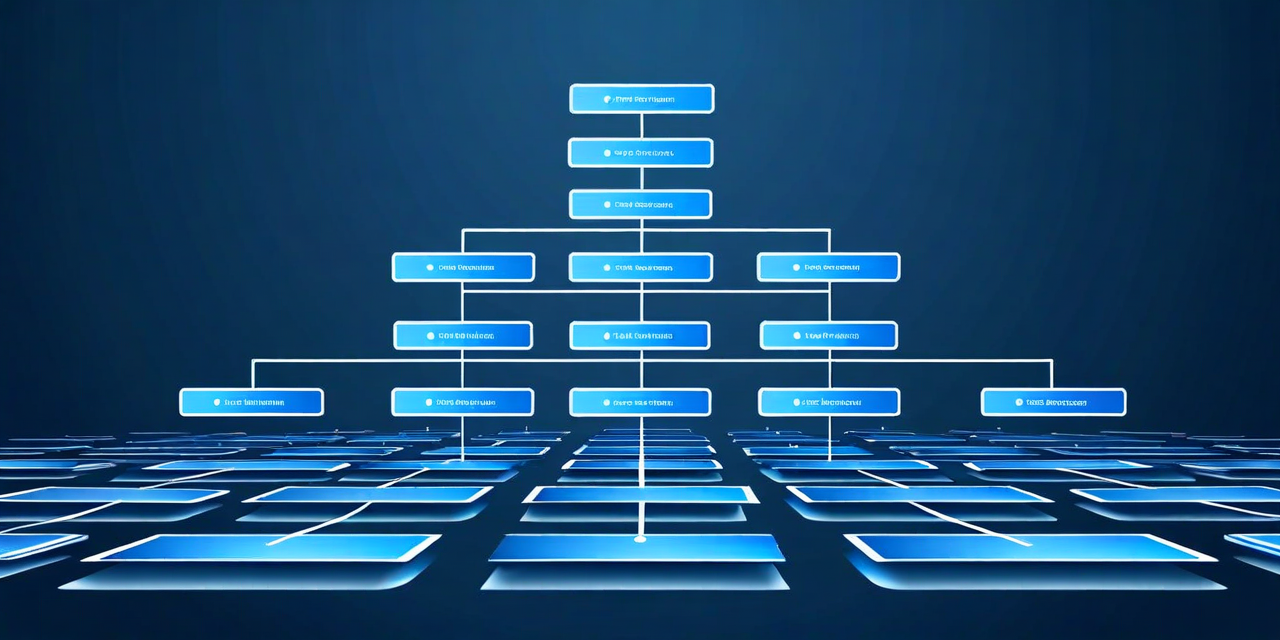
Data lineage is the record of where data comes from, how it moves through your systems, and what it is turned into along the way. It is a directed graph: nodes are datasets, tables, or columns; edges are the transformations, jobs, or queries that connect them.
A complete lineage map tells you three things. First, provenance — what is the original source of this data, and when did it last change there? Second, transformation history — what logic was applied to produce this result, and where does that logic live? Third, downstream impact — if this dataset changes, what else breaks?
That third question is the one most teams cannot answer quickly. They know their own pipelines well enough. They often have no idea what else in the organization depends on the same source.
Column-level versus table-level lineage
Table-level lineage tells you that Table B was derived from Table A. That is useful for scoping impact when an upstream table disappears or changes structure. Column-level lineage goes further: it tells you that the revenue field in your reporting model comes from the net_amount column in the transactions table, minus the refund_total column in the adjustments table.
Column-level lineage is significantly more valuable for debugging. When a specific metric is wrong, you can trace that exact field back through every transformation without reviewing the full logic of every model in the chain. Most modern transformation frameworks make this possible because they parse SQL queries to extract column-to-column mappings automatically.
How lineage gets captured in practice
There are three main approaches, and the right one depends on your stack.
Parsing-based lineage reads your SQL queries and transformation code to reconstruct data flow. This works well for teams using SQL-based transformation layers, where the query text is available and structured. The trade-off is that lineage accuracy depends on the quality of the parser — complex dynamic SQL can trip it up.
Log-based lineage captures lineage at runtime by reading warehouse query logs. This captures what actually ran, not just what was written, which makes it more complete. The downside is latency — you see what happened after it happened, not before.
API-based lineage integrates directly with tools in your stack — orchestrators, transformation layers, BI platforms — and pulls relationship data through their native APIs. This tends to be the most reliable for teams with a standardized, well-integrated stack.
Most enterprise lineage implementations combine at least two of these approaches to cover different parts of the pipeline.
Cross-system lineage: where it gets hard
Lineage within a single system is relatively tractable. Lineage that crosses system boundaries is where most teams struggle. A field in a BI tool traces back through a semantic layer, to a transformed model in the warehouse, to a raw table loaded by an ingestion pipeline, to a source system API. Each of those hops is a different tool with a different metadata format.
Stitching these together requires integration with each system and a common identifier scheme that links the same logical dataset across different representations. This is non-trivial to build from scratch, which is why most teams either stop at the boundary of their warehouse or adopt a platform built specifically to handle cross-system stitching.
Using lineage for impact analysis
The most immediately useful application of lineage is impact analysis before a change. When you need to rename a column, deprecate a table, or change the logic in a transformation model, lineage tells you exactly what will break before you make the change.
Without lineage, impact analysis is a manual search through documentation, Slack history, and query history — assuming any of that exists. With lineage, it is a query against a graph: show me everything downstream of this node. You get a list of affected tables, models, and reports, and you can communicate impact to affected teams before anything breaks.
Lineage as a communication tool
Beyond debugging and impact analysis, lineage is useful for onboarding. A new data engineer on your team can look at the lineage graph for a specific metric and immediately understand the full data flow — without reading through dozens of model files or asking senior engineers to explain the pipeline architecture.
It is also useful for audit purposes. Regulators and auditors often want to know where specific data came from. A lineage system that captures provenance end to end makes that question answerable in minutes rather than weeks.
Lineage is not a luxury feature. For any team operating a pipeline more complex than a handful of tables, it is foundational infrastructure — the thing that makes everything else faster.